The Brain, The Job, The App
A plain-language explanation of AI agents as the relationship between a model's brain, a defined job, and the app surface where work gets done.

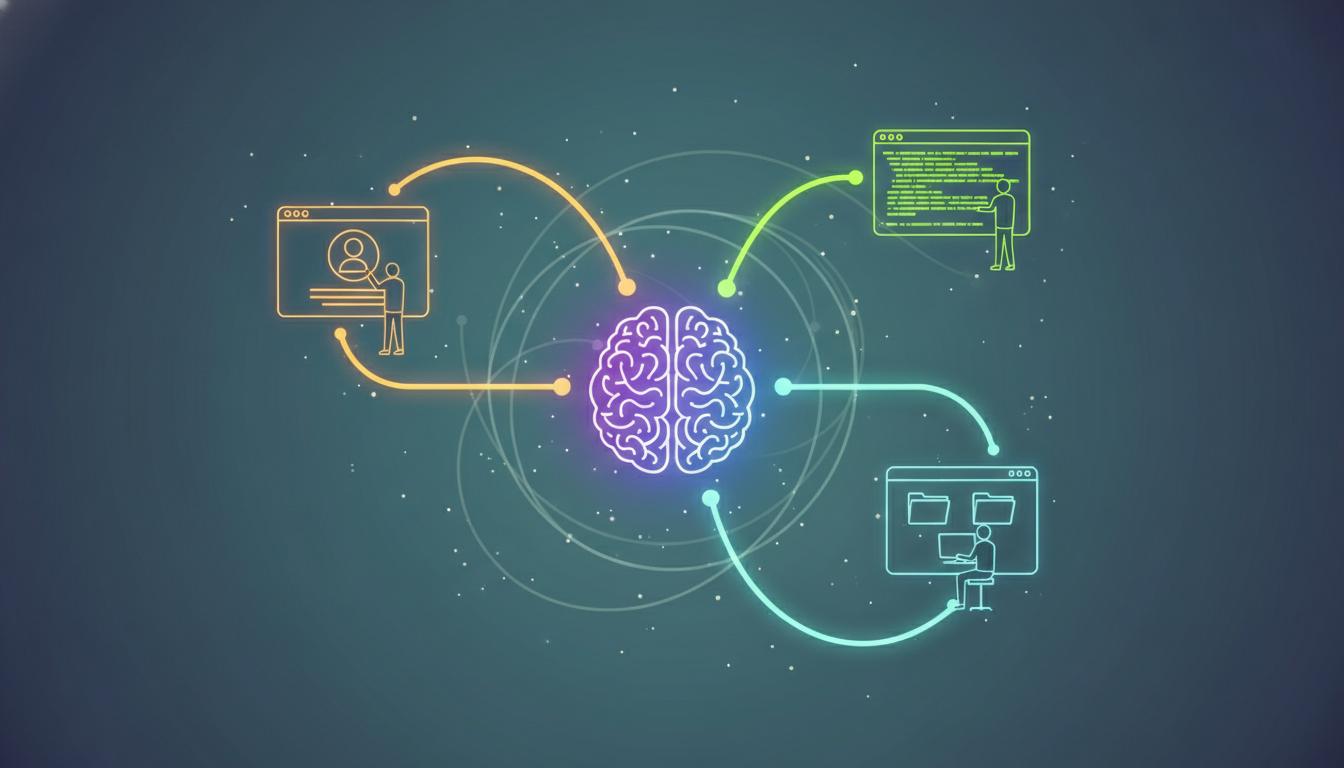
Short answer: An "agent" is just a model (the brain) plus a system prompt (the job) running inside an app (the harness) — and that combination is something anyone can build.
I listen to the AI Daily Brief podcast, and during the commercial segments I would hear, "The Agents are coming!" This was 6 months ago, and this sentiment was spot on. Since openclaw helped open the eyes of a lot of home users rushing to buy mac minis, the word "Agent" has been thrown around quite a lot. I can honestly tell you though, when you say the word "Agent" to anyone, it always returns the same response, "Huh, what's an agent?".
This concept probably didn't feel as foreign to me because of the work I was doing with Storyweaver and the writing personas even before "Agent" became the word for it. So what is an Agent? An Agent can be thought of as the specialized system prompt you give to a llm to define it's job. Think of it this way, when you were chatting with chatgpt, gemini, or claude - those were generalist agents. They had a built in system prompt of just "be helpful" or "answer any questions to the best of your ability". Then as time progressed, you got specialized versions of chatting with these llms like gemini gems, or GPTs. Claude sorta has a version of this but positioned it around "projects" instead.
"If I only had a brain"
Wait, I thought Claude, Gemini and Chatgpt were agents.
Here's where things get a bit tangled; there's a deeper structure at work here. When you chat with these agents, you tend to select how powerful of a brain you want them to use i.e. Opus 4.7, Sonnet 4.6, Haiku 4.5. It's good to not confuse the two, when you select the LLM Model - that's the brain. For more complex issues, we would lean on models like Opus 4.7 but if the task is still a bit more involved but not as complex maybe I'll select Sonnet 4.6. If its really something routine, there's enough context around a task or item at hand - I can lean on Haiku 4.5 to get me through things.
The type of LLM brain you select should match the task at hand. Discerning that I need Opus 4.7 for something complex vs Sonnet 4.6 is hugely powerful because you start to really look at the task and its level of complexity to match what type of brain or level of thinking you need from the agent. Knowing the contrast that the model = the brain and not the agent is also good to keep in mind.
The App is where you show up
There are different apps where we interact with these agents, select what model we want to use and do some sort of work. Some apps are web based like Claude.ai, others are launched in terminals like Claude Code, and some apps are also full desktop apps like Claude Cowork. These are kind of like the hands or body of an LLM, giving it agent capabilities like tools and access to your files. Technically these are known as agentic harnesses. We'll just call them apps. The type of app you use or want to use depends on your use case for the type of project or work you're trying to get accomplished.
Users looking to have Agents interact with files on their PC directly to create or edit, could use the desktop apps. If you're simply doing research that doesn't rely on any files on your PC you might lean on the web apps instead. Each channel has its pros and cons depending on the task at hand. How each app works to customize or configure your agents in these environments differs. Claude.ai as a web app uses projects while Claude Code uses skills or claude.md files to define what you're doing in a certain folder on your pc.
The Agent is the brain with a job
You could generally tell Claude or Codex to do something. Then it will generally attempt to accomplish the task at hand, but the thing to remember is these LLMs are trained on tons of data. That data can skew the path it takes to solve a problem. Ask that same question a 2nd or 3rd time and you'll find you'll get either better or worse answers. Using different apps can also result in different results too because of how those apps are setup in the backend. Using webapps like Claude.ai are technically setup differently than Claude Code the same way chatting in chatgpt on the web works differently than Codex in the terminal.
This is where adding Context to an Agent helps specialize the task or ask. It also changes your generalist agent into a more specialized one. This is useful when you need that generalist agent to become specialized in a part of your workflow or process. I can turn a Claude Code agent, into my Personal Assistant using a system prompt or I can use Codex to do Market analysis through the use of a System prompt as well. You could think of it this way, if its a behavior, or focus you want the Agent to follow, you can introduce these system prompts to them before they tackle a request so that they act that way every time.
Adding a Agent system prompt helps focus the brain towards better outcomes. Give it reference files, or more context and the output of that Agent interaction goes from generalist to more specialized. You go from Claude Code coding agent to Email Triage Agent, Customer Service Agent, Apex Developer Agent, etc.
Anyone can build Agents
In the end anyone honestly can build agents. This was the same definition I was chasing after when I created Storyweaver almost a year ago. I wanted the writing agent to specialize in different genres so I setup different writing personas that I could select or load before writing and based on that, the output of the chapter changed. You don't have to be an AI Engineer to tell an agent to focus on Customer Success. You just have to have a goal in mind, and give it the right context for the job at hand.
How you access or build these agents depends on the app you use. That's the problem Agentshelf.ai is built to solve — an easier way to give an agent the right brain, job, and app without wiring it together yourself.